Switch between workspaces with tabs
Last updated: November 5, 2026
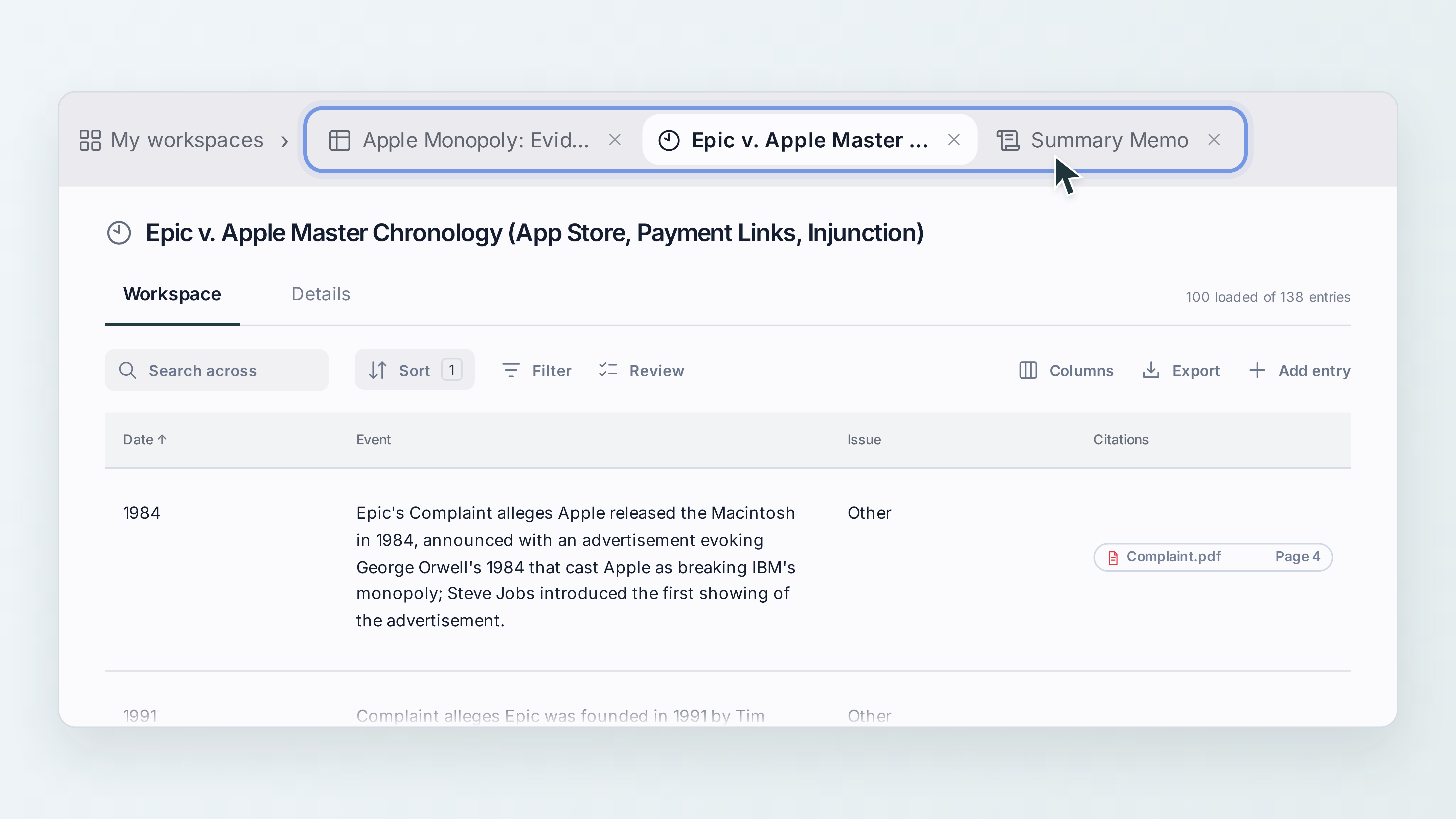
Keep several workspaces open in the same matter and switch between them in one click. Tabs make it easier to move between a chronology, a people & entities table and a draft document easily.
Open a workspace in a tab
Open your matter and select My workspaces.
Select the workspace you want to open. It appears as a tab at the top of the screen, beside My workspaces.
To open another workspace, select My workspaces again and choose a different workspace.
Your previously opened workspaces stay available as tabs.
Switch between workspaces
Select a tab at the top of the screen to return to that workspace.
Close a tab
Select the × on a tab to close it. Closing a tab does not delete the workspace. You can open it again from My workspaces.
Need help?
If you need help, please contact Mary support through the in-app chat.