Create People and Entities tables
Last updated: October 12, 2026
Build a table of the people and entities in your matter, also known as a dramatis personae. Bring names, aliases and relevant details together so you can understand who is involved, their role, their connections, and more.
Create a table
Go to Mary tools → Choose the People & entities tool.
Describe the table you would like and which documents Mary should use. Specify whether you want a comprehensive list, only the key people and entities, or those relevant to a specific issue or date range.
Work through any clarifying questions and review the proposed plan before generating it.
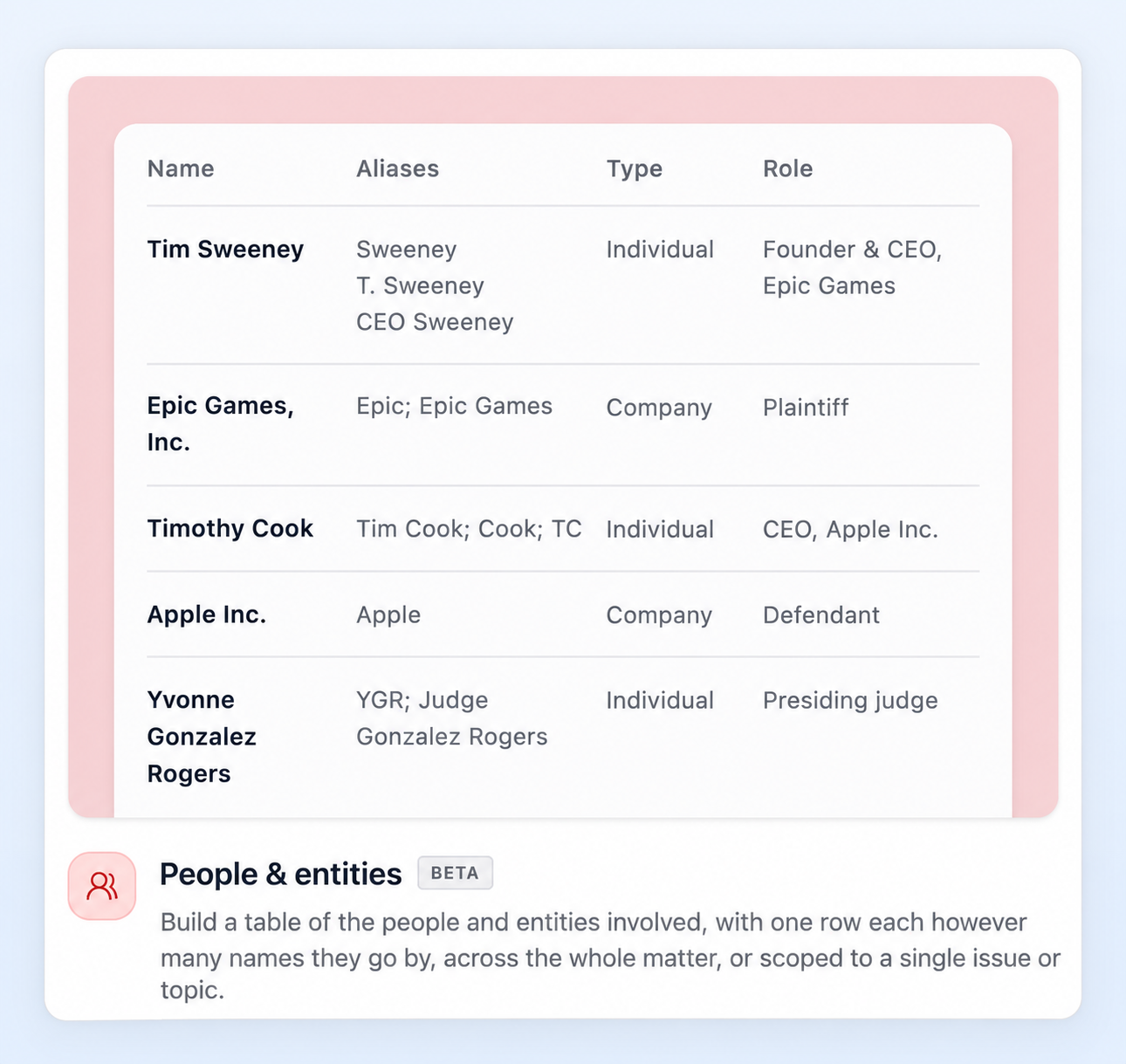
Choose what to include
For the best results, tell Mary what would make the table useful for your task. For example:
Scope: all people and entities, key participants, or people connected to a particular issue.
Sources: all matter documents or a specified selection, such as the pleadings or witness statements.
Columns: names, aliases, type, role, or something completely custom.
Detail: a detailed explanation of each person’s or entity’s role, or a concise summary, or something completely custom.
Be specific about what “key” means - for example, people involved in negotiating the agreement or making a disputed decision.
Example: people and entities relevant to an issue
Create a people and entities table showing all people and entities involved in the dispute concerning Apple’s App Store. Include their names, aliases, roles and a brief description of their involvement.
How does Mary handle aliases?
Mary consolidates references it identifies as the same person or entity into one row, bringing their different names and aliases together.
Review the table to check that:
aliases belong to the correct person or entity; and
similarly named people or entities have not been combined incorrectly.
Need help
Use the in-app customer support chat or email support@marytechnology.com for assistance.